YOUR MATERIALS AND THOUGHTS TOGETHER
Your PDFs. Your notes alongside.
Slides, worksheets, and your own notes belong together. Import a PDF into a topic, write on its pages with Apple Pencil, and keep it all in the right subject.
For iPad with iPadOS 26 or later. Ages 16+. Current app interface in German. No separate Otriva account.
Download Otriva for free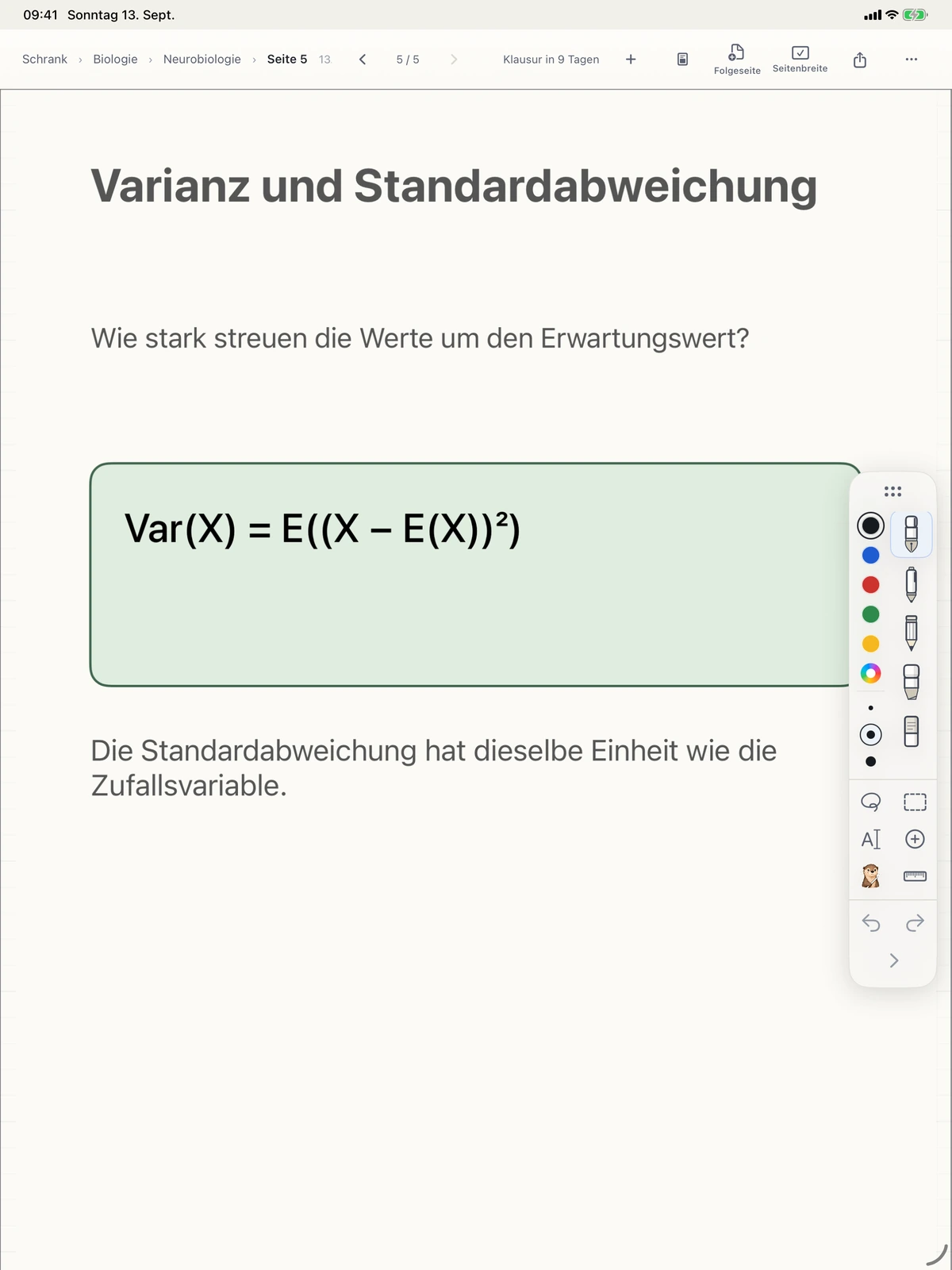
From course material to notebook
- Choose a subject and topic. Put the material where you will look for it later.
- Import a PDF from Files. Each original page becomes a page in your notebook, with your handwriting on top.
- Work directly on the page. Add thoughts with Apple Pencil, highlight passages, and use the eraser, selection, or undo.
- Share a PDF. Export one page or a whole topic and choose where to save it or whom to share it with.
For example, in a statistics lecture
You receive a set of statistics slides. During the lecture, you add a worked example beside a formula and mark an open question. When you return to study, the slides and your annotations are in the same topic.
Do I need a subscription?
No. Writing, organizing, PDF import, and PDF export are part of the free notebook. Otriva Plus expands the AI allowance. You can annotate PDFs without enabling AI.
What about scanned documents?
You can write on scanned pages too. Search is limited to text that has actually been recognized or is already embedded in the document. Importing a PDF does not mean every editable object or feature from another note-taking app is preserved.
If something is missing
After importing, check the pages and their order. Find instructions and contact details in the German help pages. Try a copy before moving a large collection from another app.