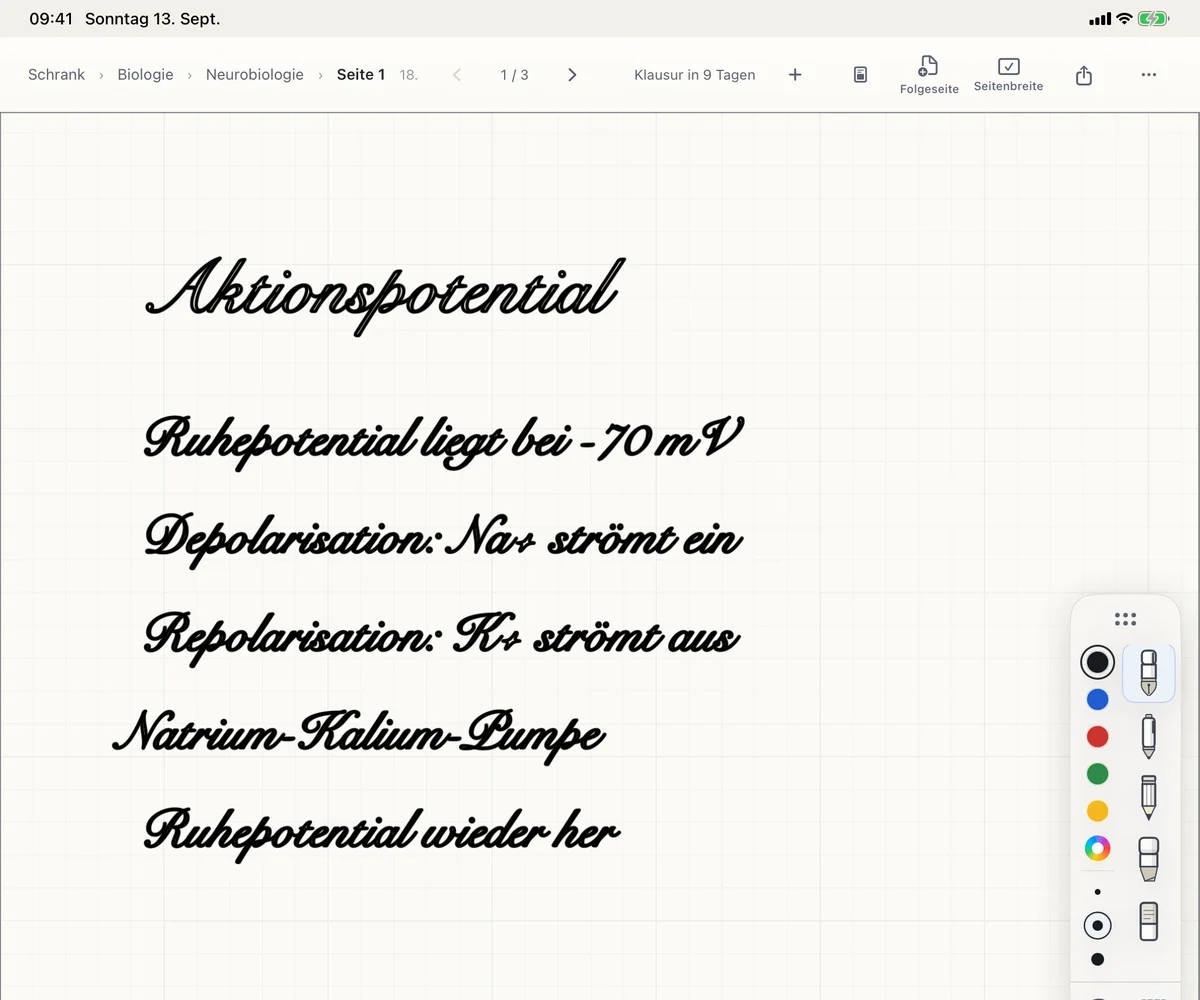
IN THE LECTURE
Right on the slides.
Import the script, add to it with Apple Pencil, organize by module and lecture. No subscription.
Handwriting & PDFs →FOR UNIVERSITY
Your slides arrive as PDFs, your thoughts go beside them with Apple Pencil. When a formula went by too fast in the lecture, circle it – the explanation stays right there. Before the exam, study from your own notes.
Download free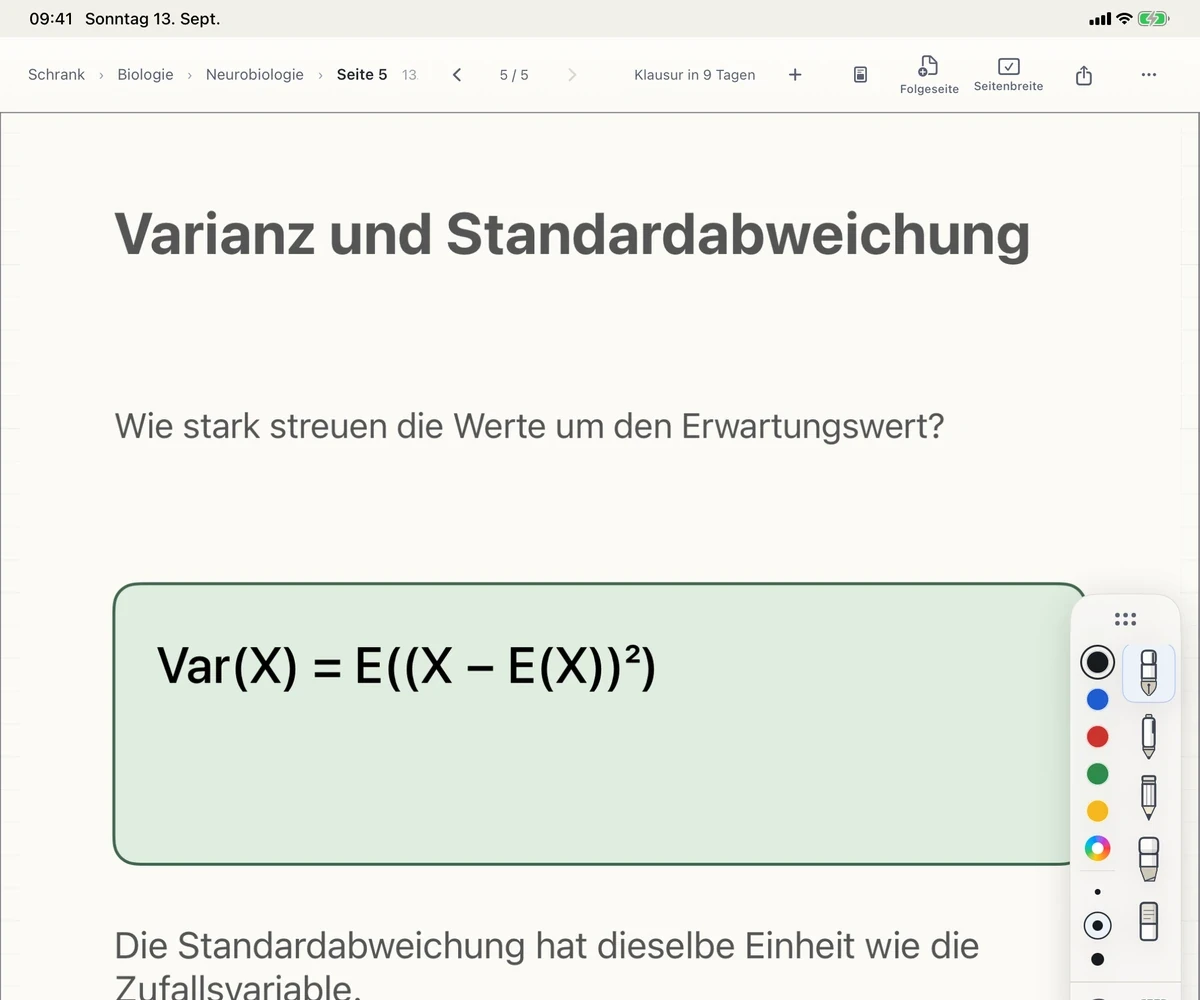
IN THE LECTURE
Import the script, add to it with Apple Pencil, organize by module and lecture. No subscription.
Handwriting & PDFs →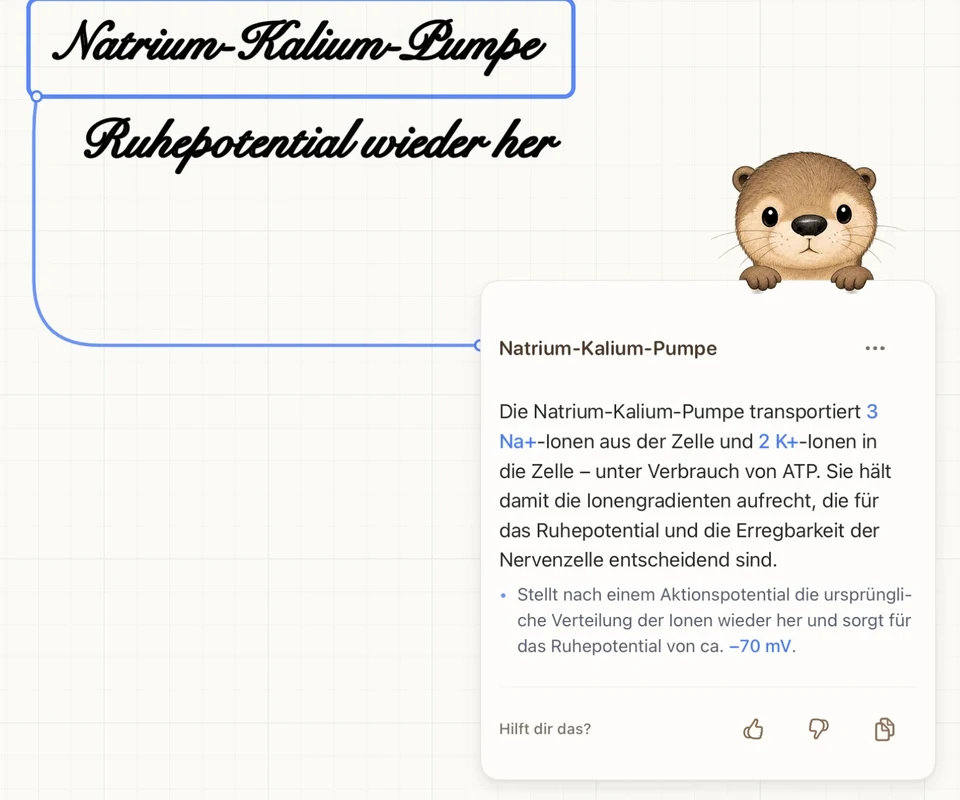
WHEN REVIEWING
Circle what you didn’t get. The explanation is attached as a card to your notes – ready when you review.
Circle & understand →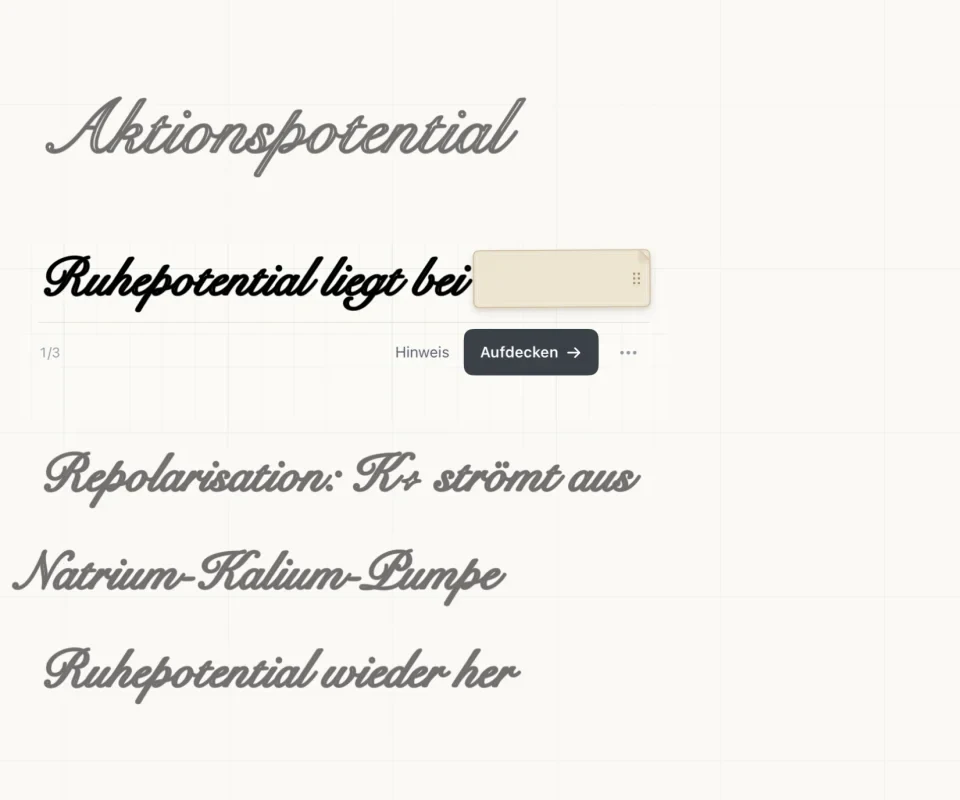
DURING EXAMS
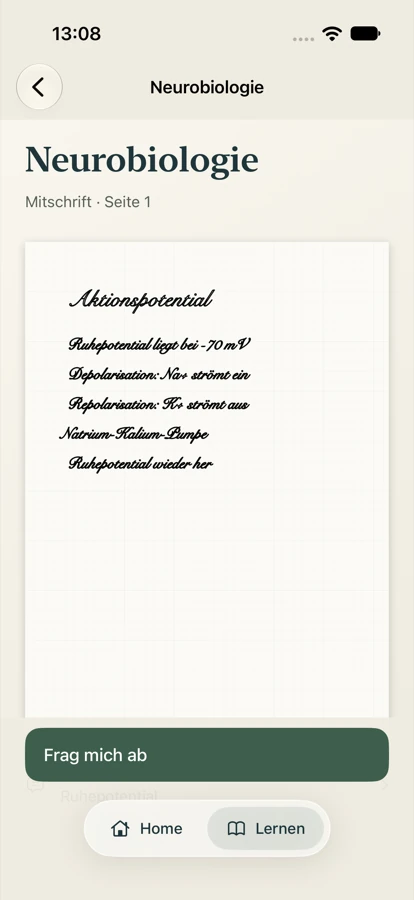
No copying onto flashcards: Otriva covers answers right in your notes – on iPad or on the train on iPhone.
Quiz me & iPhone →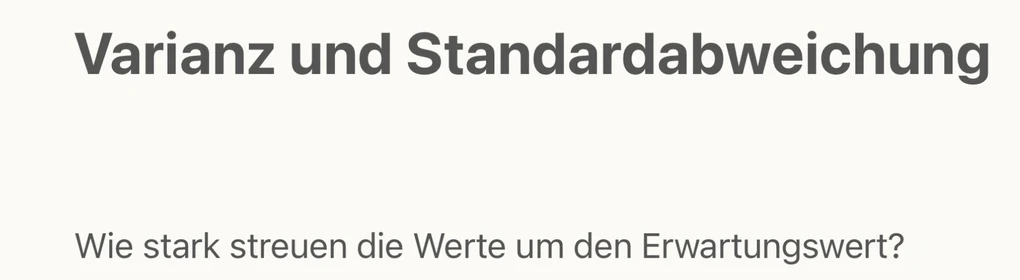
From Files, or as a PDF from another note-taking app.

Each module a subject, each lecture a topic.

The explanation appears beside your notes.

Read your notes on iPhone and quiz yourself.
You can write on scanned documents. Search works where text has been recognized.
Share your notes as PDFs from another note-taking app and keep writing in Otriva.
Notebook without a subscription, 5 free AI answers a month, 500 with Plus.
Yes, as PDFs: export them there as PDFs and share them with Otriva. The pages come across, not the editable objects of the other app. Try larger collections with a copy first.
You can circle a formula; the explanation appears as a card beside it. AI answers can contain mistakes – check them against your materials.
Not for writing. AI explanations need an internet connection.
The app interface is currently in German. Language support explains German passages from your lectures in English and other help languages.