
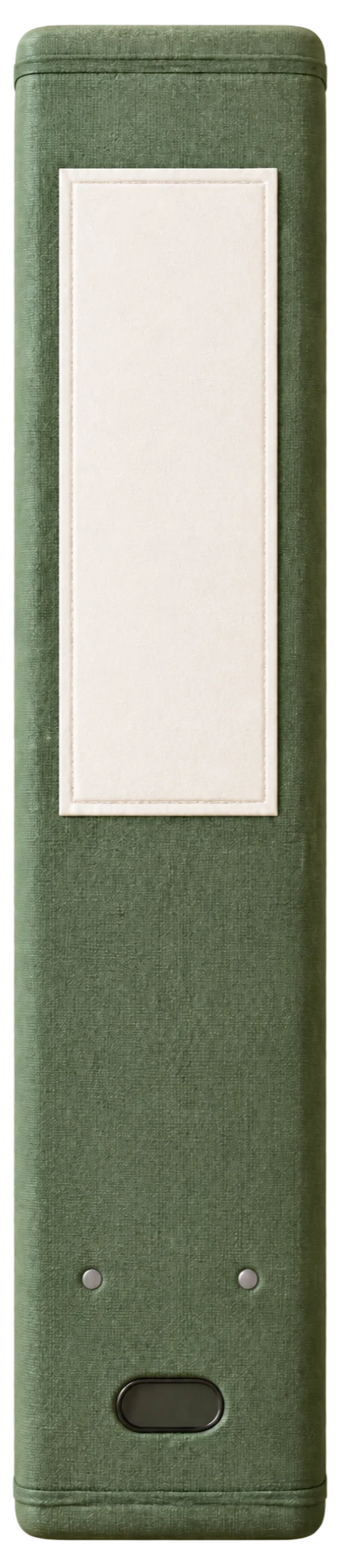

Otriva
$0 without a subscription
- Write with Apple Pencil
- Organize subjects, topics, and pages
- Import, annotate, and export PDFs
- 5 AI answers per calendar month
The free AI allowance applies to each app installation.
Download for freeYour notebook for iPad.
Write with Apple Pencil, annotate PDFs, and organize everything by subject.
Language: The current app interface, in-app help, support pages, privacy policy, and terms are in German.
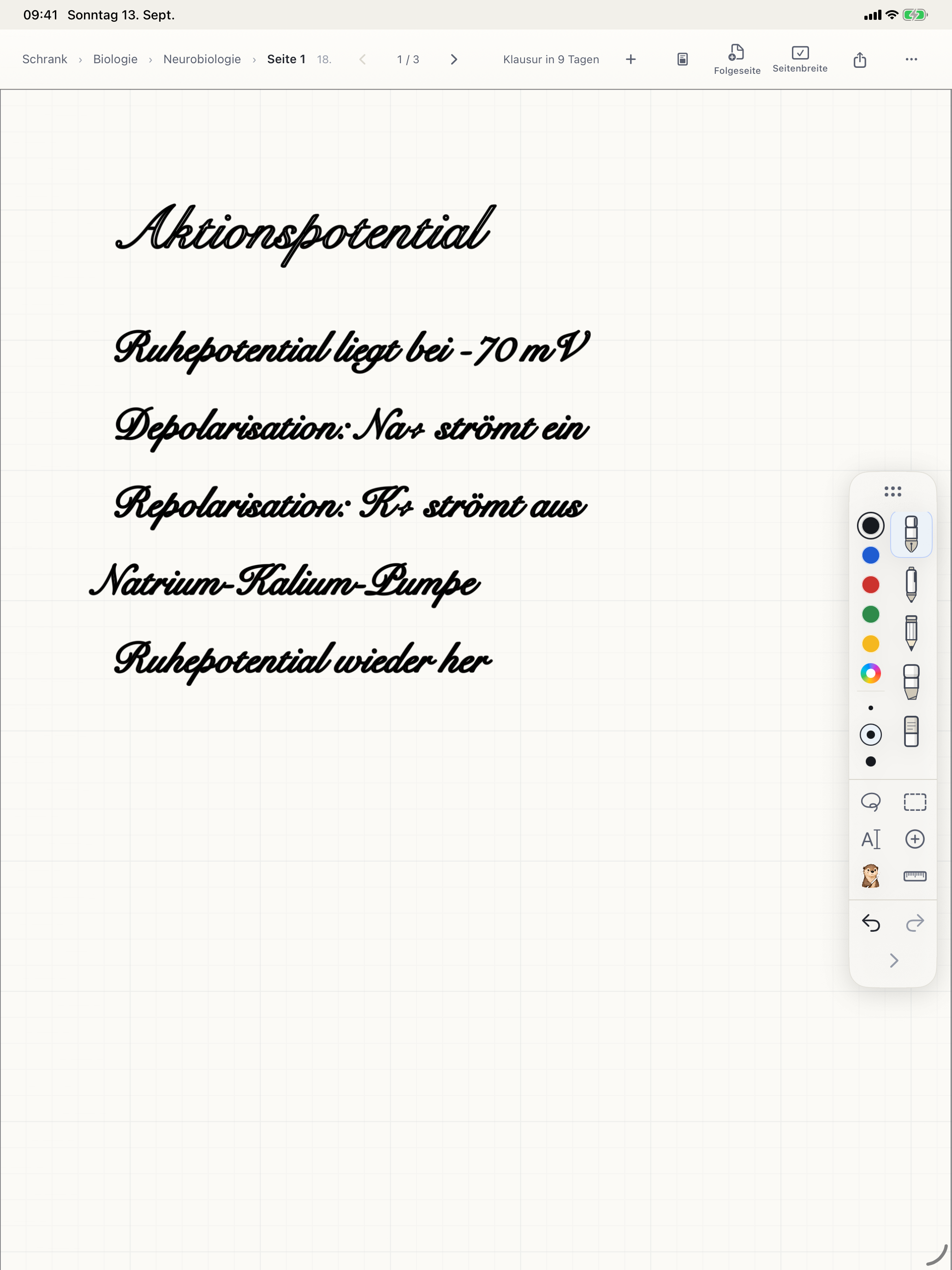
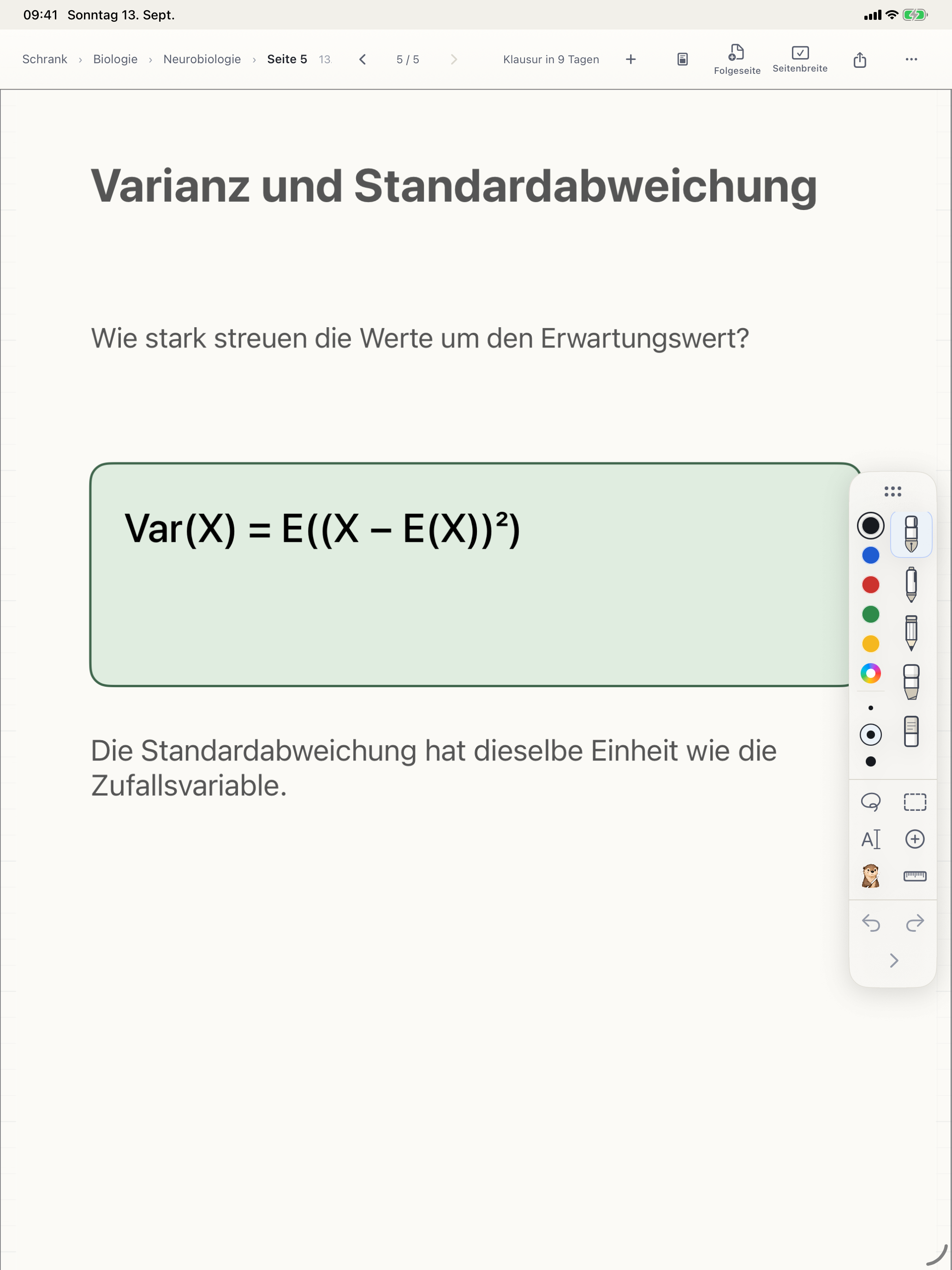
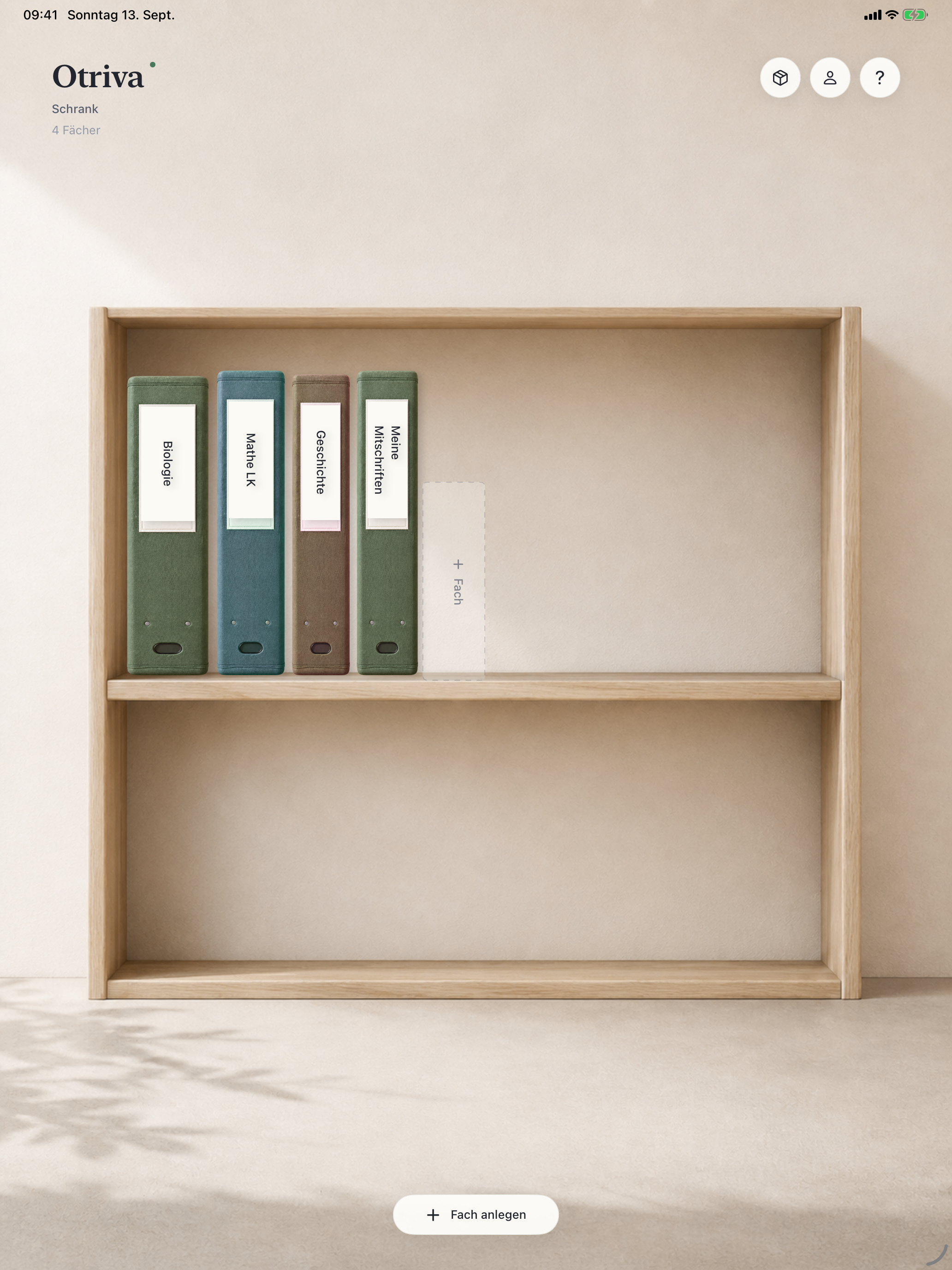
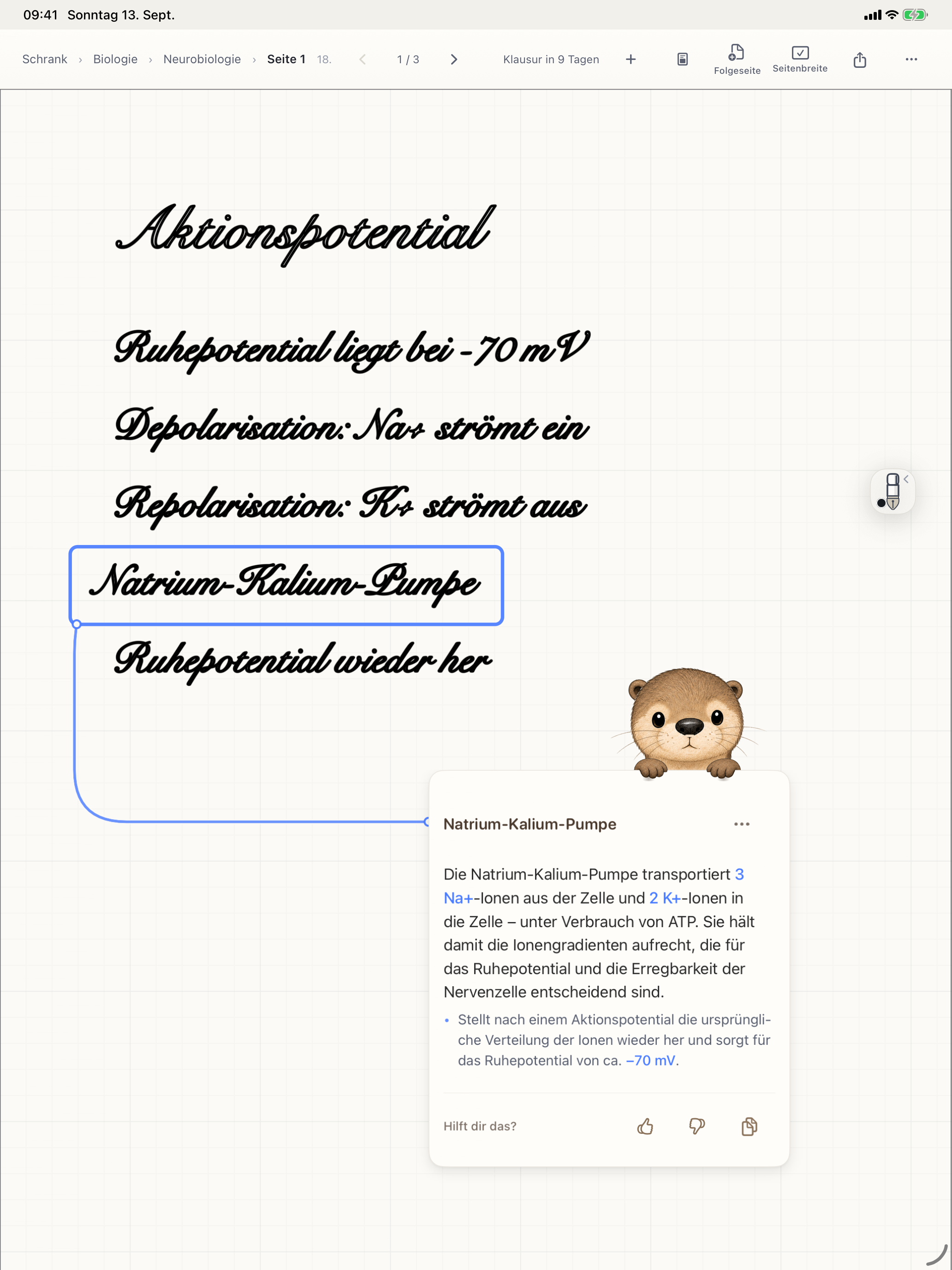
Screenshot from the iPad app. Interface shown in German.
Write with Apple Pencil, mark important passages, and keep your thoughts directly on the page.
Get it on your iPadThe explanation stays exactly where your question began.
 AI pen active
Why does this become 2x?
The derivative of x² is 2x. Substitute a value for x to get the slope of the curve at that point.
Interactive example with prepared answers. Nothing you enter is sent anywhere.
START FOR FREE
Writing, organizing, and PDFs do not require a subscription.
Plus gives you more room for questions.
Only successfully delivered AI answers count. Unused answers expire at the end of each period. Plus renews automatically until canceled. Apple shows the applicable price before purchase. AI features require internet access and your consent; additional safety and daily limits may apply.
Plus includes 500 successfully delivered AI answers per monthly Apple subscription period. The current US price is $3.99 per month. The period begins with your purchase or renewal, and usage is shared across the subscriber’s devices. Unused answers do not roll over.
The subscription renews automatically and can be canceled through Apple. Your notes and saved cards remain after Plus ends; new AI answers then use the free allowance again. Revoking your AI consent does not cancel the subscription. Detailed help and terms are currently available in German.
Otriva keeps the question, its source, and the explanation together on the page. Activate the AI pen, circle a passage, and receive an explanation card anchored beside it. The card is saved with your notebook, so when you return, you see both the answer and the context that prompted your question.
Otriva is for people aged 16 and up who take notes, annotate PDFs, and organize study materials on an iPad. It requires iPadOS 26 or later. A compatible Apple Pencil lets you write directly on the page. AI features require internet access and your consent; technical safety and daily limits may also affect availability.
Yes. The otter’s AI help is optional. You can write with Apple Pencil, organize notes, and work with PDFs without enabling AI. You can export individual pages or complete topics as PDFs.
Otriva is available on the US App Store for iPad. The download is free. You need iPadOS 26 or later and must be at least 16 years old. No separate Otriva account is required. The current app interface is in German.
The website uses real app screenshots and an interactive demo with prepared answers. The demo does not send content to an AI service. In the app, an explanation is created from the selected passage and the context needed to answer it. AI answers can be wrong, so check them against your course materials.
A compatible Apple Pencil is intended for handwriting and circling a passage with the AI pen. Without a Pencil, you can still ask a question across the notes in a topic.
Your notes are stored on your iPad first. For an AI explanation, the selected passage and the context needed to answer it are processed after you consent. Detailed information about storage, iCloud, and AI processing is in the current German privacy policy.
Otriva is developed by Leon Karim Valentin. As a product developer, he works across software, AI, and embedded systems. Otriva combines that product work with an iPad notebook. Learn more on LinkedIn; contact details are in the current German legal notice.
NOW ON THE APP STORE
For iPad. Ages 16+. No separate account. Current app interface in German.